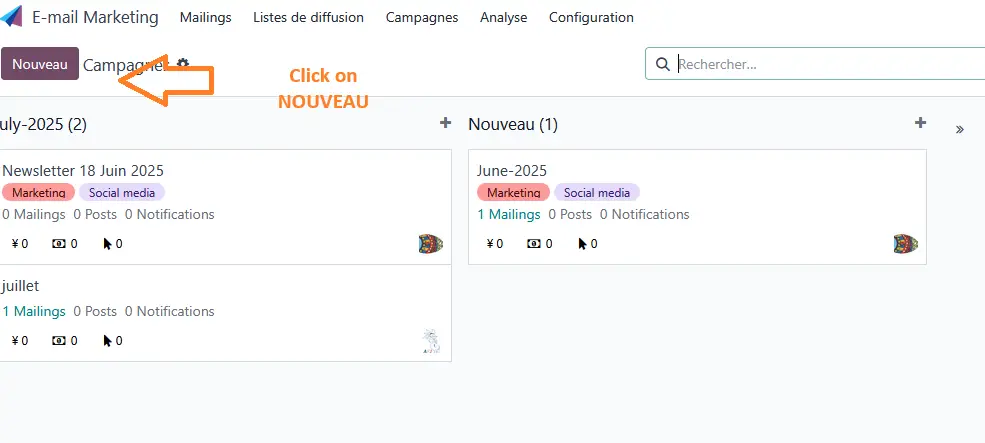
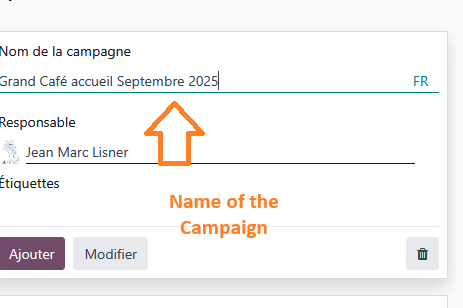
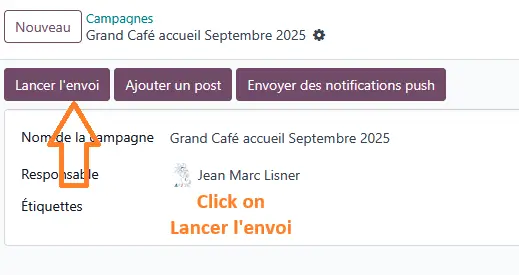
The next step is to click on “Lancer l’envoi”
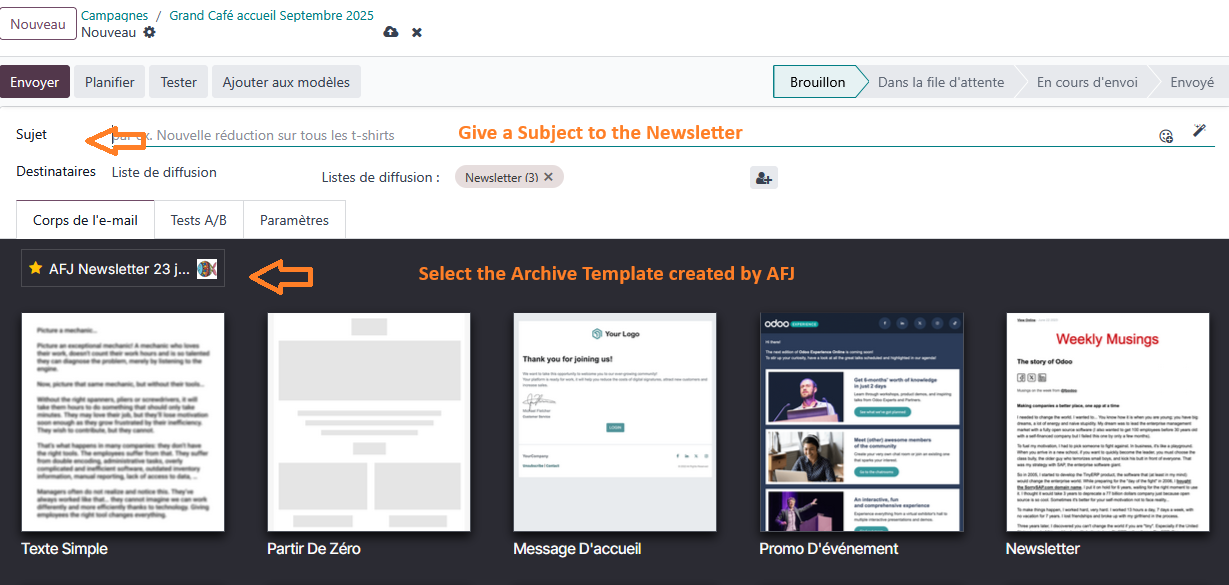
Subject of the Newsletter
For the Template, choose the one created in the ARCHIVES of AFJ
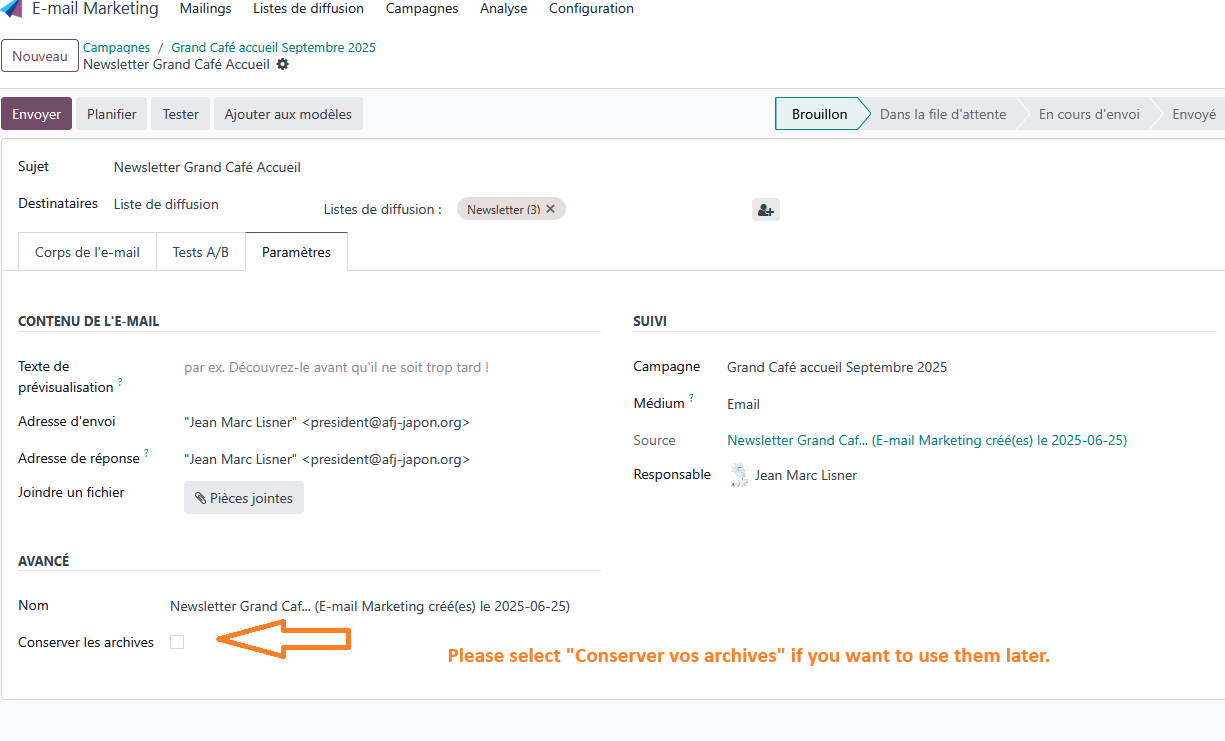
Do not forget to keep all your own templates as Archives for being able to use them later.
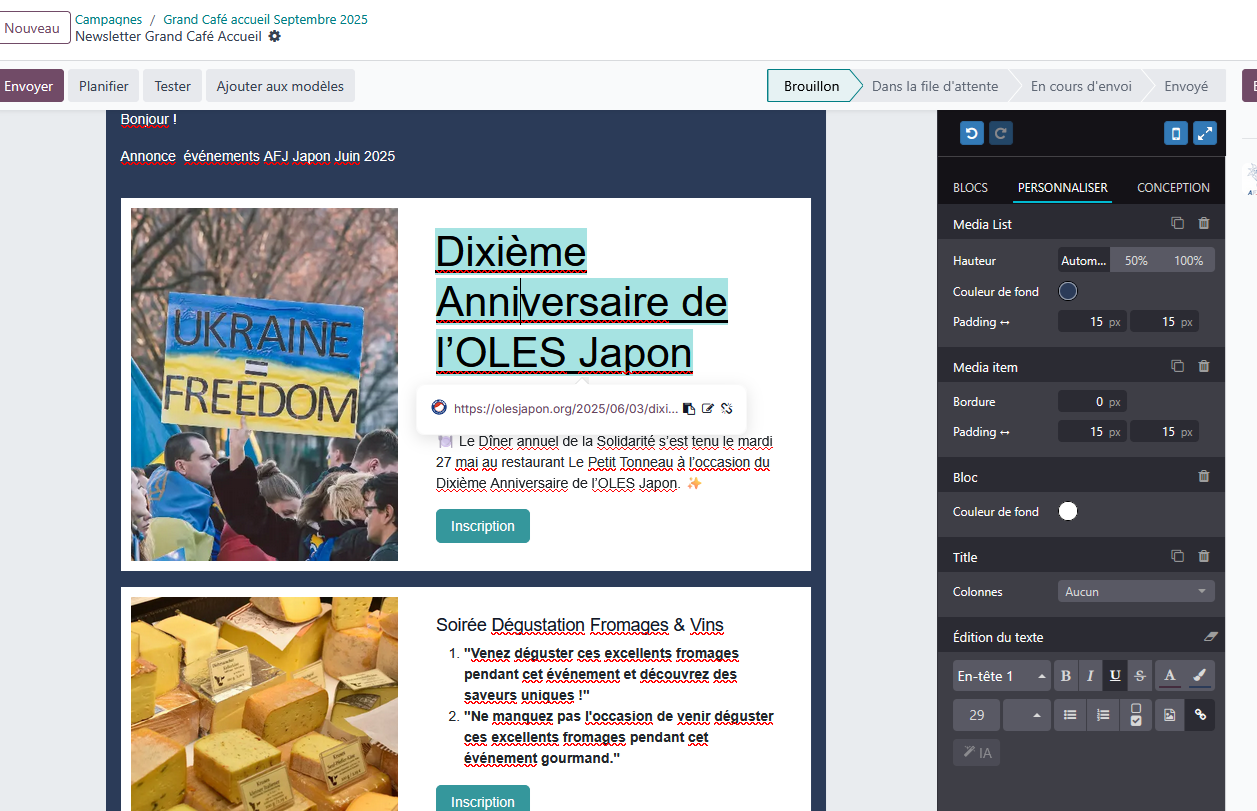
Modify the 4 elements for each event.
Image
Title
Description
Button “Register” link
Do not forget to keep all your own templates as Archives for being able to use them later.
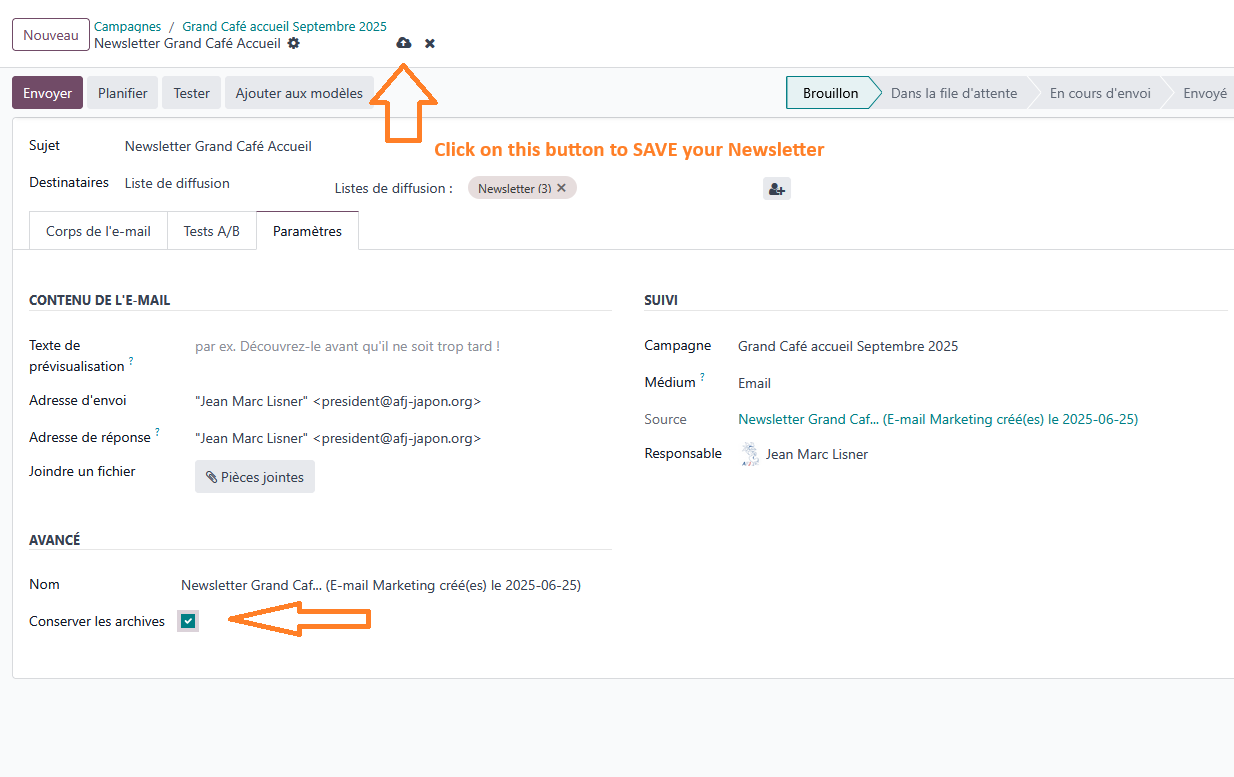
Now it is time to save your Newsletter
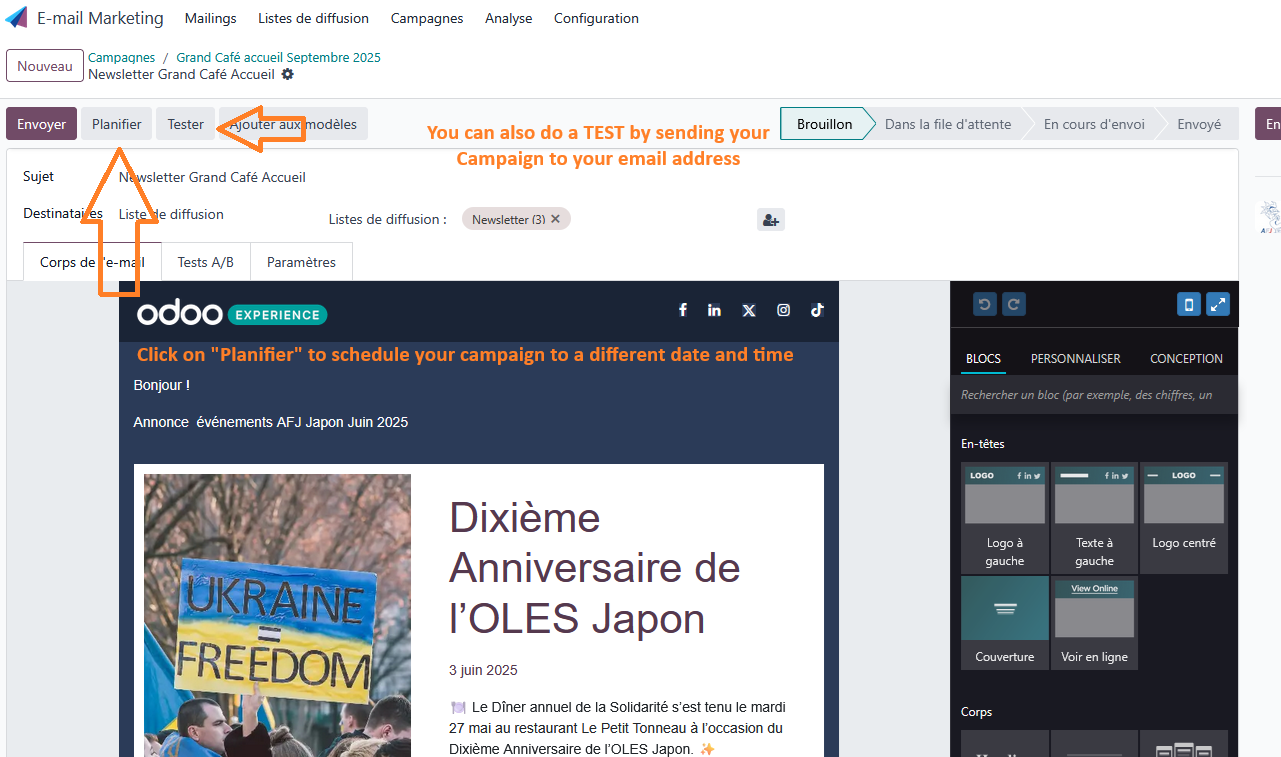
Now it is time to do a TEST and to SCHEDULE your Campaign